Explore thousands of quality products, exclusive deals, and fast delivery options tailored just for you.

-64%
-64%
-64%
-64%
-64%
-64%
-64%
-64%
-64%
Details description
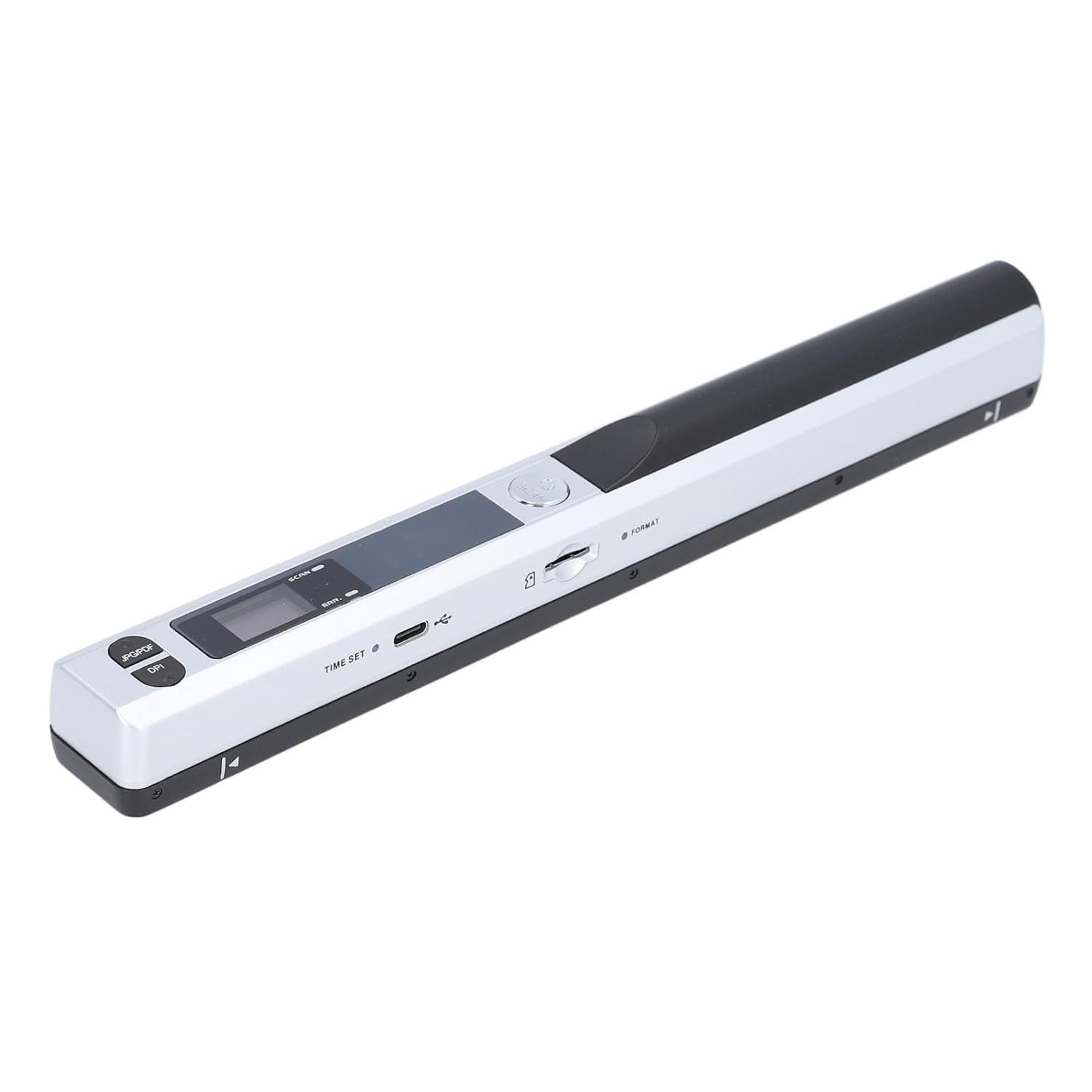
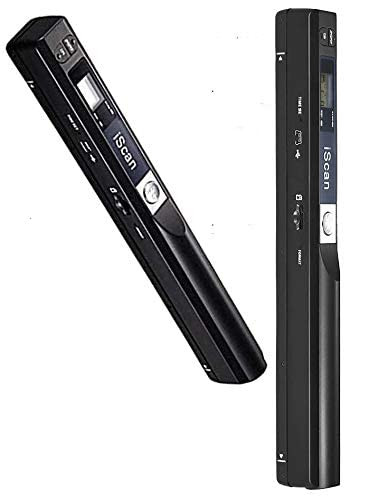
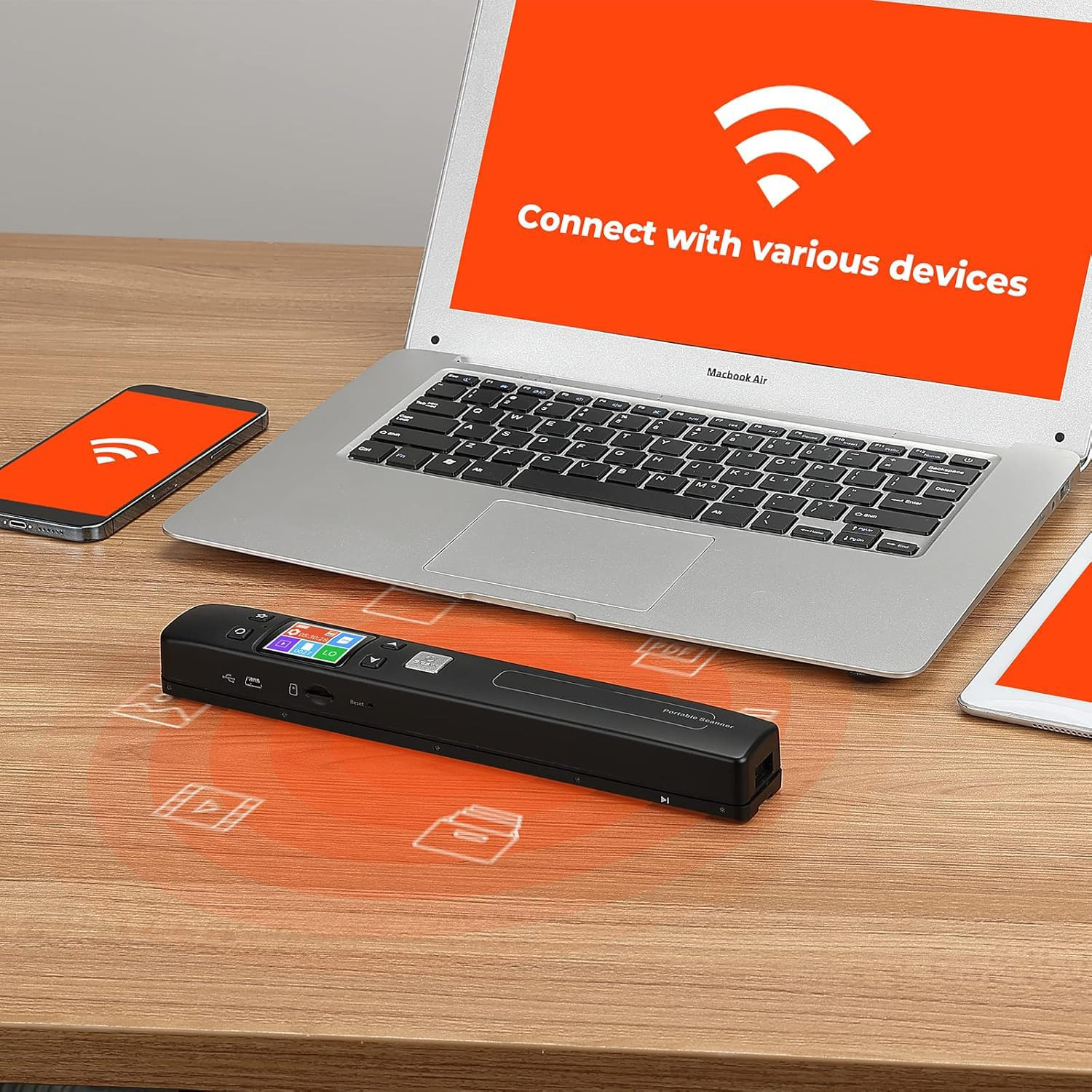
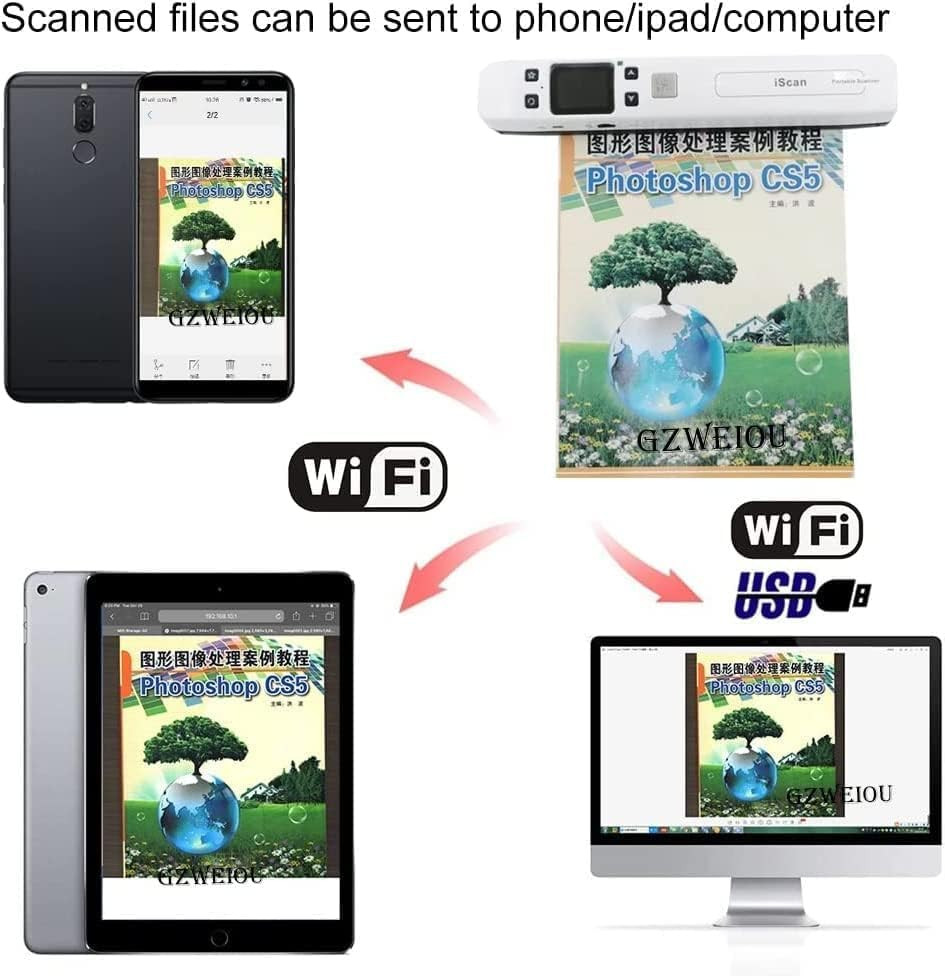
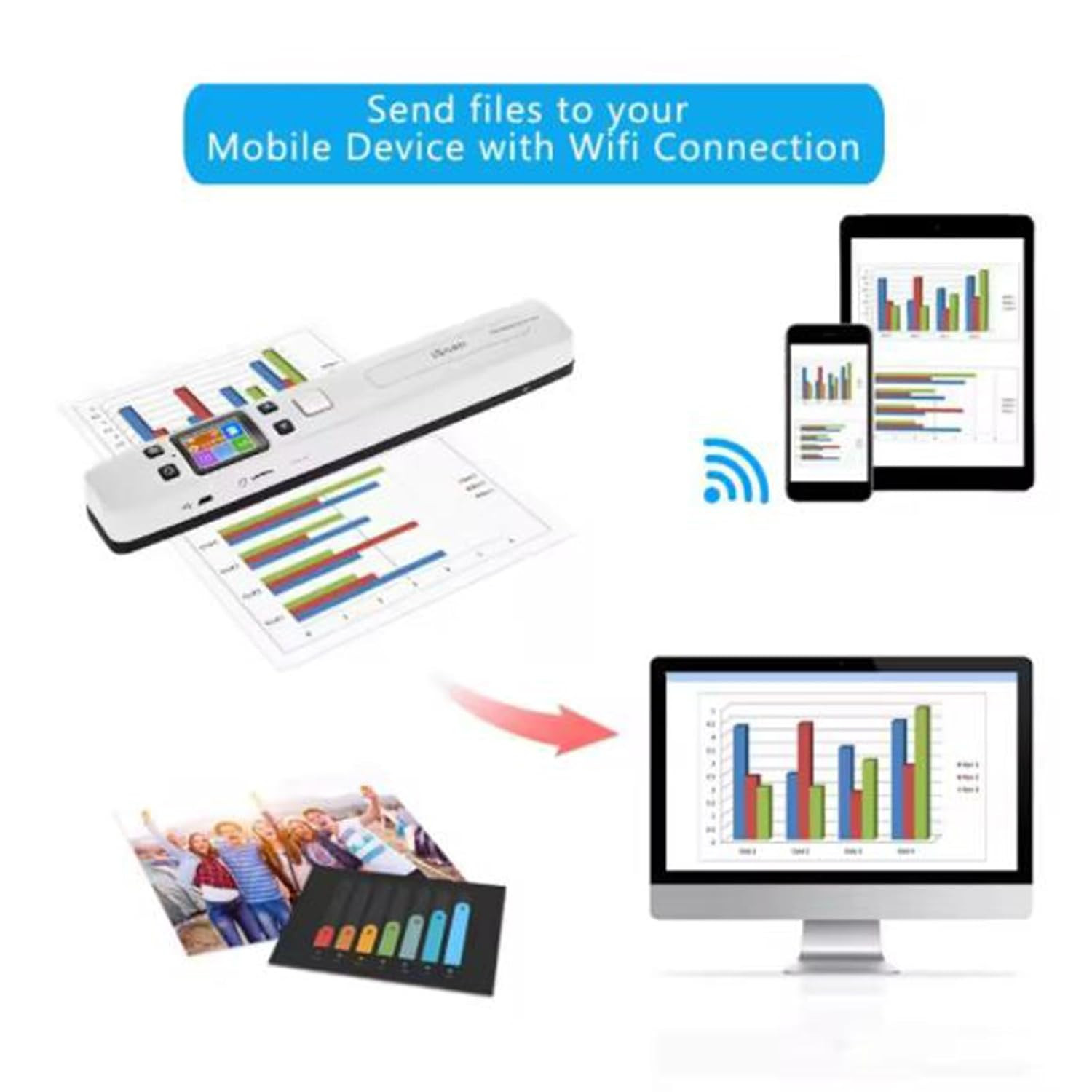
ćHow to use the Portable Scannerć 1. Charge the scanner like a phone first(USB included), then long-press the "SCAN" button for 2s to start the scanner and choose HI resolution. 2. Take some time practicing scanning to get the hang of scan speed. 3. Vertical scan your target on a flat desk at a steady speed. 4. Connect your devices to the scanner's built-in WIFI to download the images.
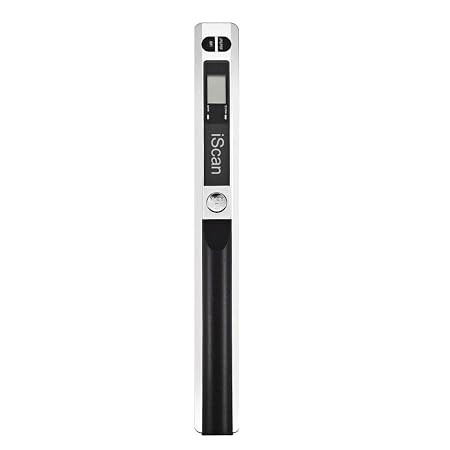
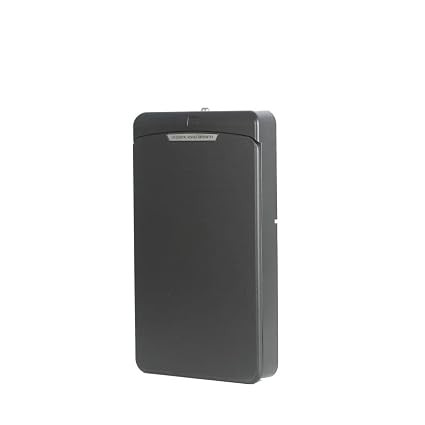
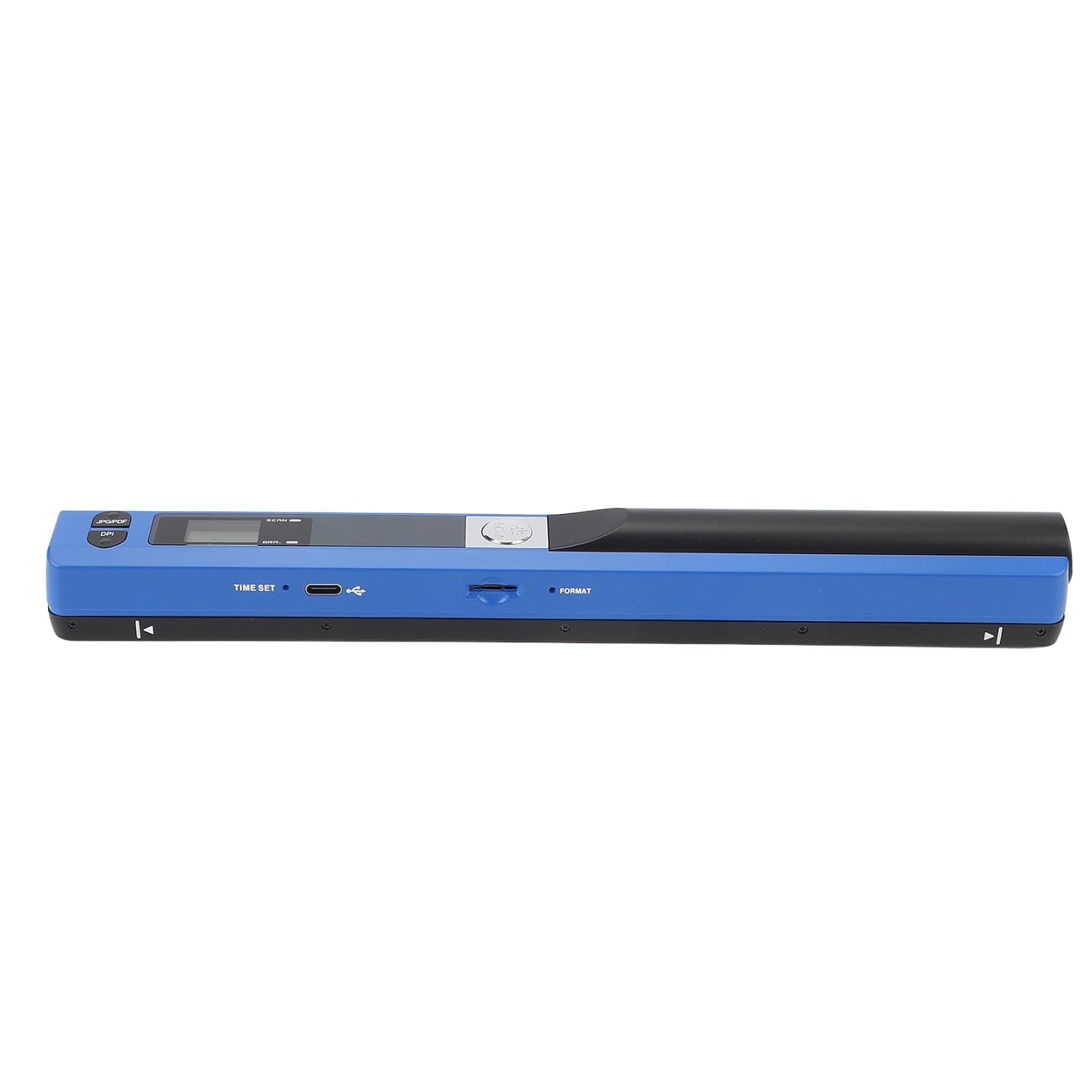
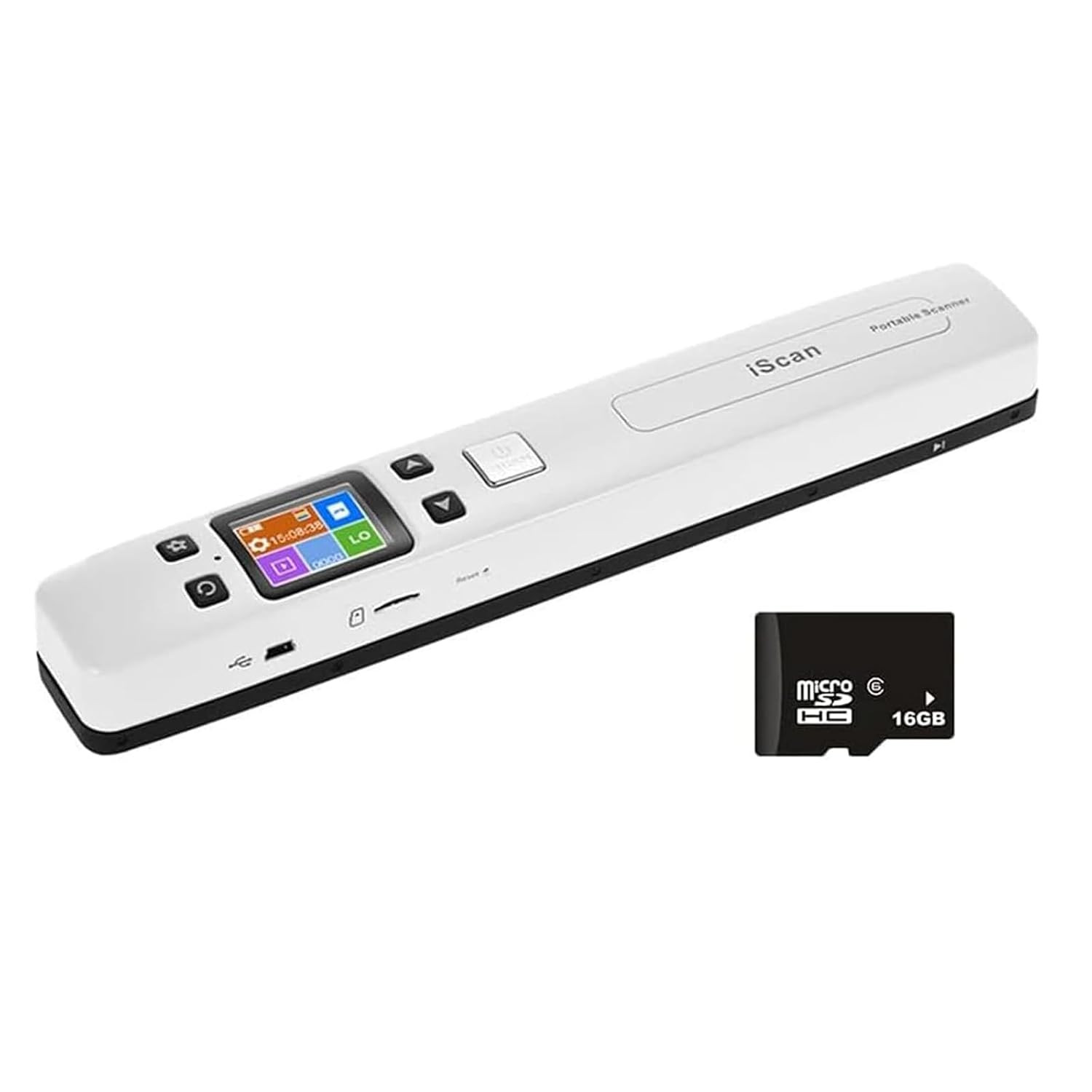
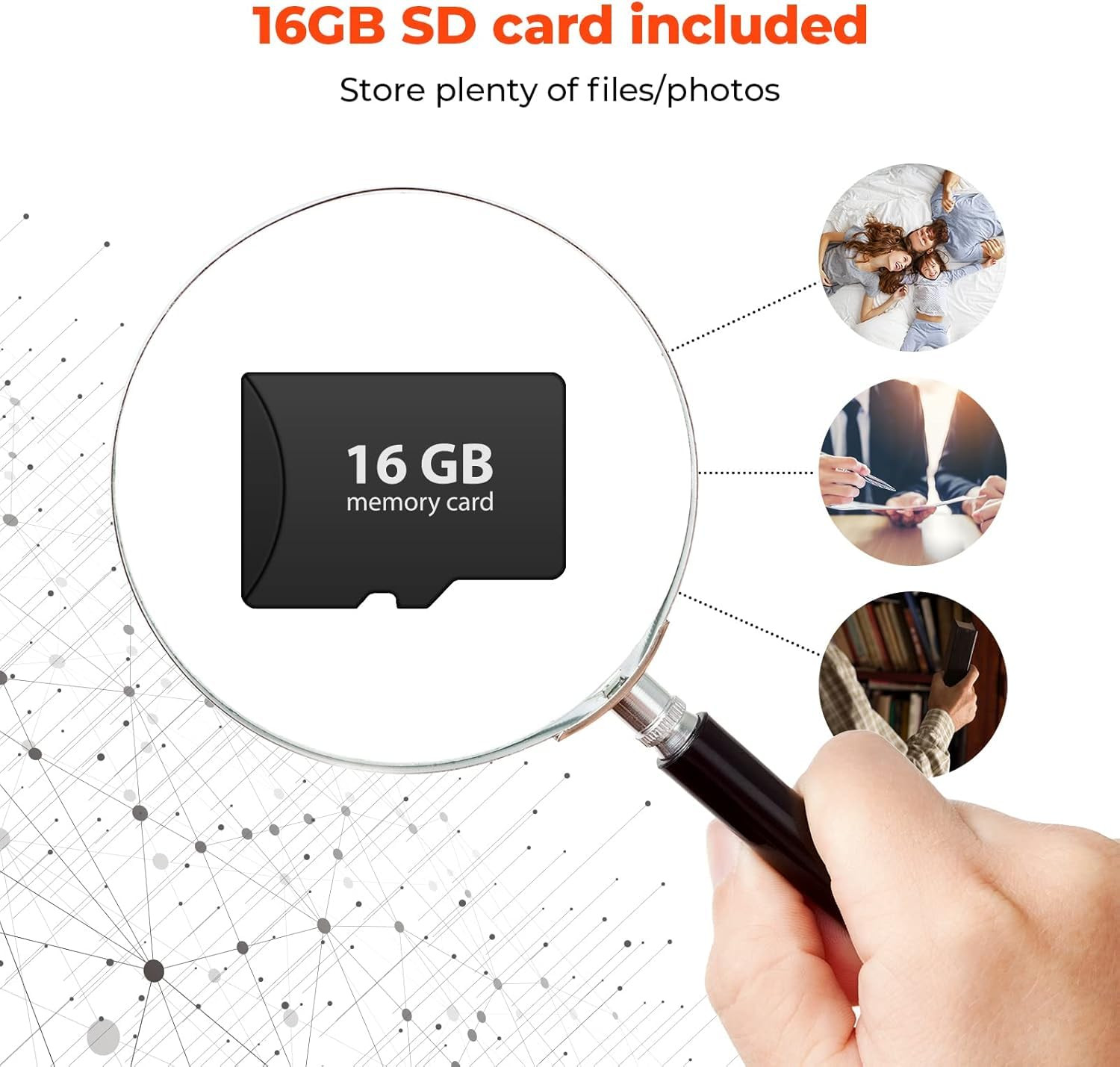
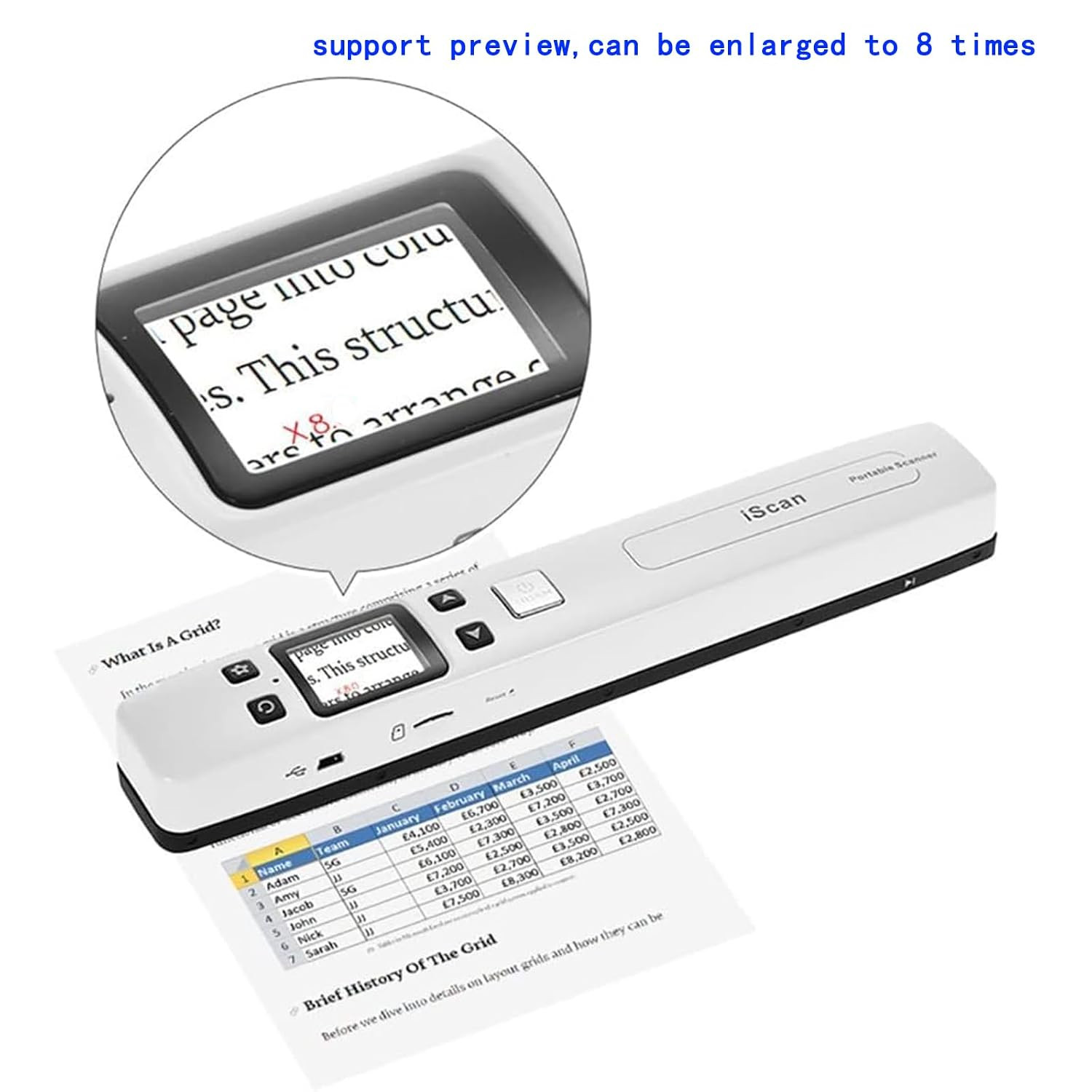
ćSome details of the Portable ScannerćWITH 16G SD card, Length: 9.5". Weight: 0.44lbs. Functions: Flat scan, preview images, built-in Wi-Fi, chargeable power, auxiliary pulley. USB cable, user manual, and small bag.built-in battery
ćWhat is a Portable Scannerć Portable Scanner, a handheld flat scanner, is designed to scan documents, photos, magazines, homework, drafts, manuscripts, and other scan targets. Compared to a feeding scanner, this portable scanner can scan targets independently without connecting to any devices and protect targets to the greatest extent. Compared to desktop scanning, portable scanners can be carried around and uploaded with the built-in Wi-Fi capability.
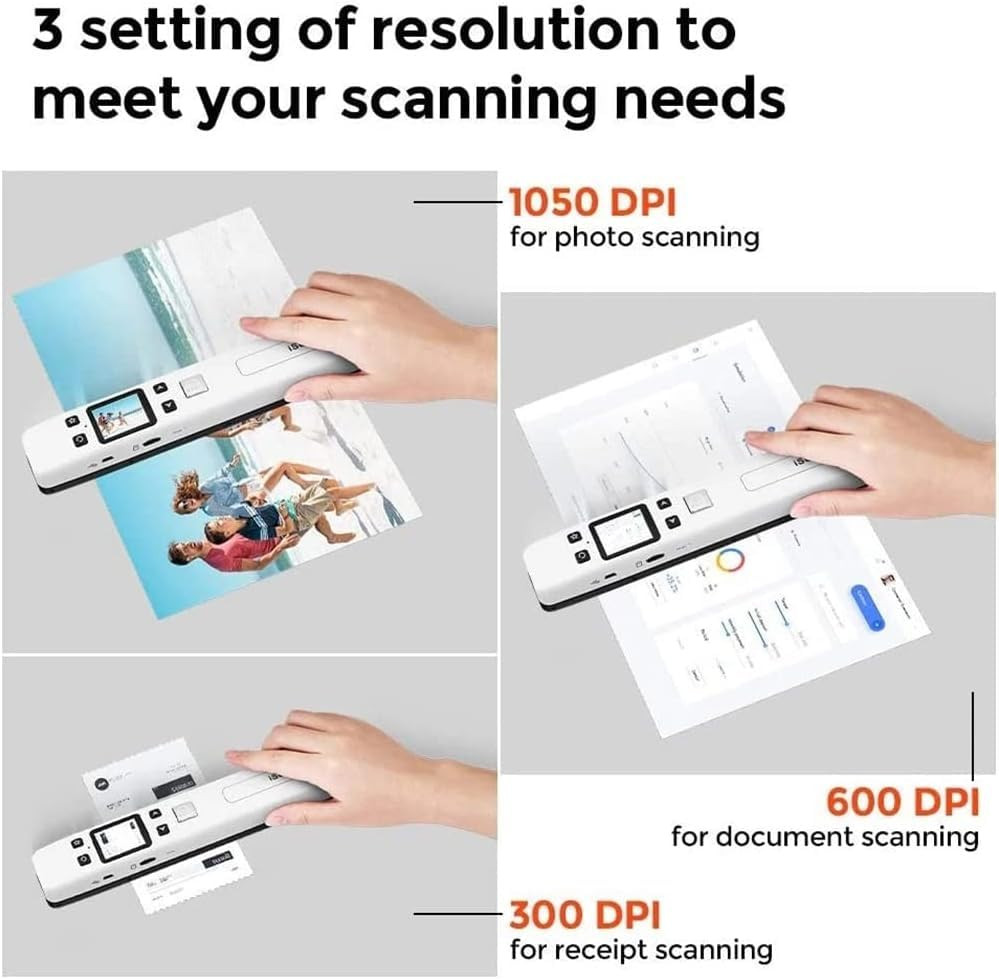
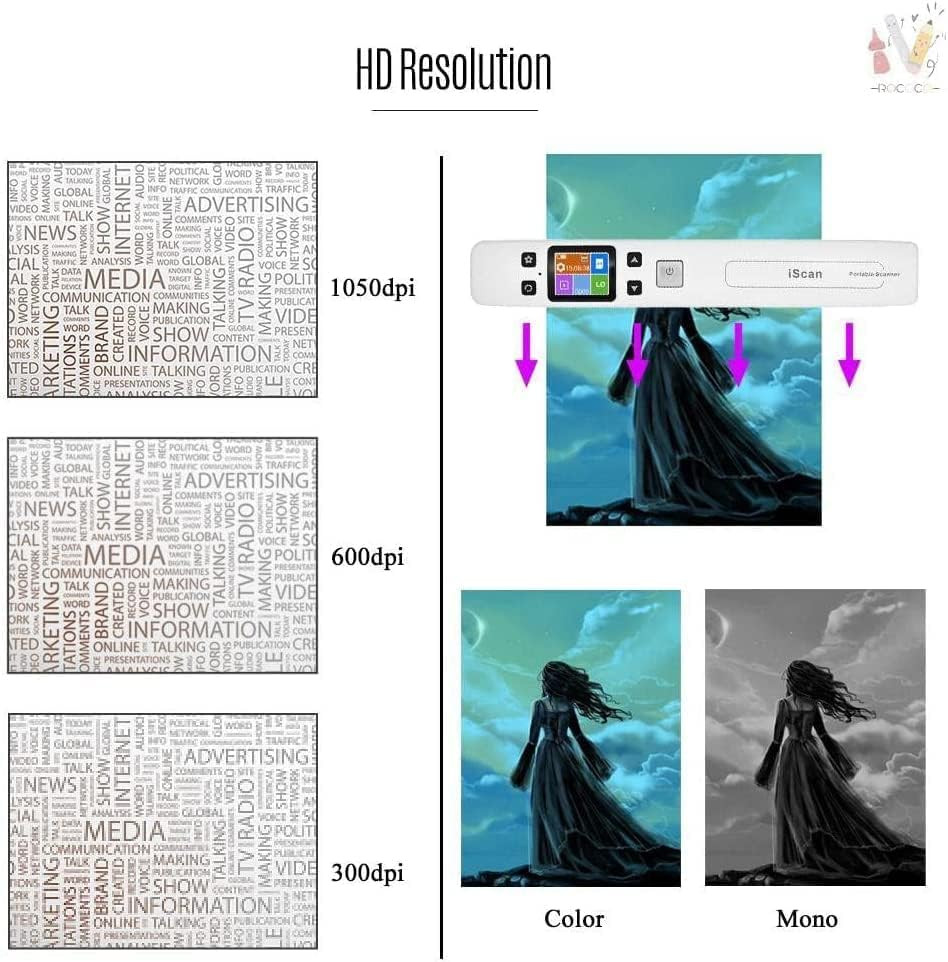
ćSome advantages & tipsć1. Portable Scanner can convert your paper targets into digital files in high clarity(300-1050 dpi) within 5 seconds. 2. 16G SD card will store thousands of files. WITH 16G SD card 3. The scanner is compatible with Android, iOS, Mac, Windows 7/8/10/XP, and Linux systems (for file transmission). 4. Attention, it is a built-in Wi-Fi and not to connect to our home Wi-Fi.
ćWhat will a scanner help us with ć Portable scanner can help us digitize different sizes of photos.